The Matter Shop
Bluetooth Mini Tracking Device for Apple Find My APP Smart Tag GPS Lost Tracker
Bluetooth Mini Tracking Device for Apple Find My APP Smart Tag GPS Lost Tracker
Couldn't load pickup availability
SPECIFICATIONS
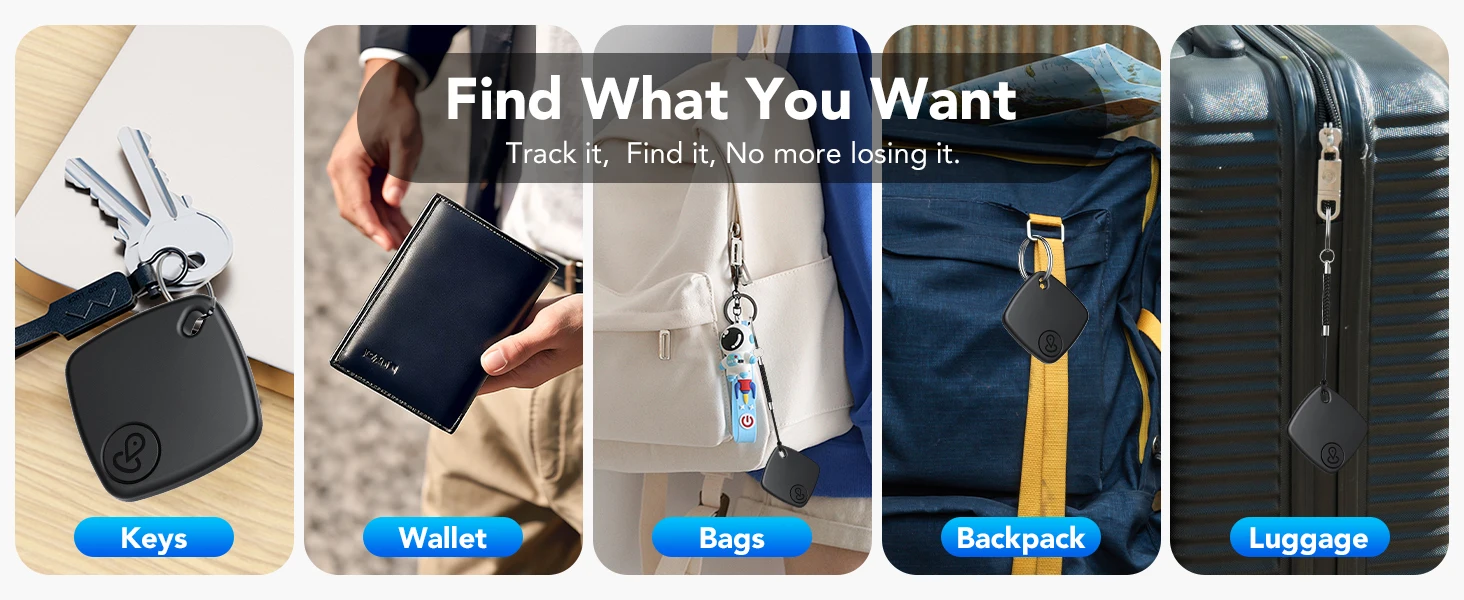
Applications: Keys, wallets, bags, luggage, pets, kids items
Brand Name: NoEnName_Null
Choice: yes
Colors: White, Black
Compatibility: Apple iOS devices only (iPhone, iPad)
Hign-concerned Chemical: None
Material: Premium plastic with IP67 waterproof rating
Operating Language: English
Origin: Mainland China
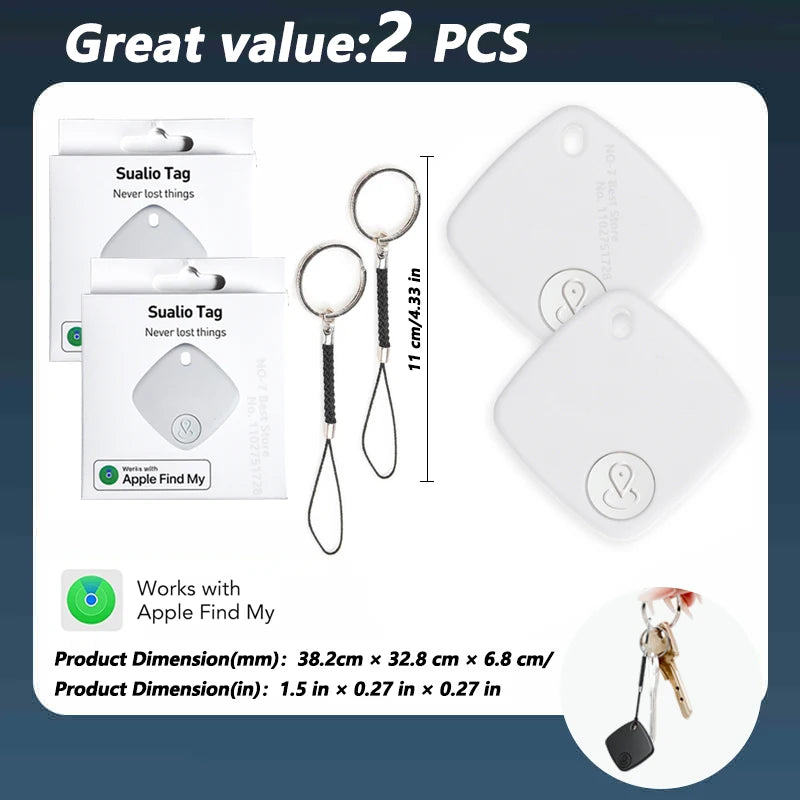
Product Dimension(in): 1.5 in x 1.5 in x 0.27 in
Product Dimension(mm): 38.2mm x 38.2 mm x 6.8 mm
Product Name: Apple Find My Bluetooth Tracker
Service: Fast shipping, Free shipping, Customs free products
Smart home platform: Apple HomeKit
Source of Information: NO-7 Best Store No.1102751728
Stock: Sufficient
Support: Retail, Wholesale, Dropshipping
Type 1: Smart Tracker
Type 10: Gps Tracker Tags
Type 11: Smart Tag Find My
Type 12: Mini Tracker
Type 13: Tag Gps
Type 14: For Apple Find My GPs Tracker
Type 15: Gps Locator for Children
Type 16: Mini Gps Locator
Type 17: For Apple Locator
Type 18: Bluetooth Android Tracker
Type 19: GPS Mini Locators
Type 2: Tracker Gps
Type 20: Portable Gps
Type 21: For Apple Tag
Type 22: Gps Tracking
Type 23: Location Tracker GPS Korean Support
Type 24: Smart tag satellite
Type 25: For Apple airtags iphone
Type 26: For find my apple wallet
Type 27: For find my apple car charger
Type 28: For find my apple card wireless charge
Type 29: For find my apple pencil
Type 3: GPS Tracker Small Device
Type 30: For smart tag apple find my
Type 31: gps tracker cars
Type 32: gps tracker dog
Type 33: gps tracker apple
Type 34: gps tracker portable
Type 35: gps tracker for cat
Type 36: gps tracker motorcycle
Type 37: For find my apple waterproof
Type 4: Find My Apple
Type 5: For Apple Airtag
Type 6: For Air Tag Apple
Type 7: Smart Tag 2
Type 8: For Apple Tracker
Type 9: Smart Tag
Requires Apple iOS device - not compatible with Android
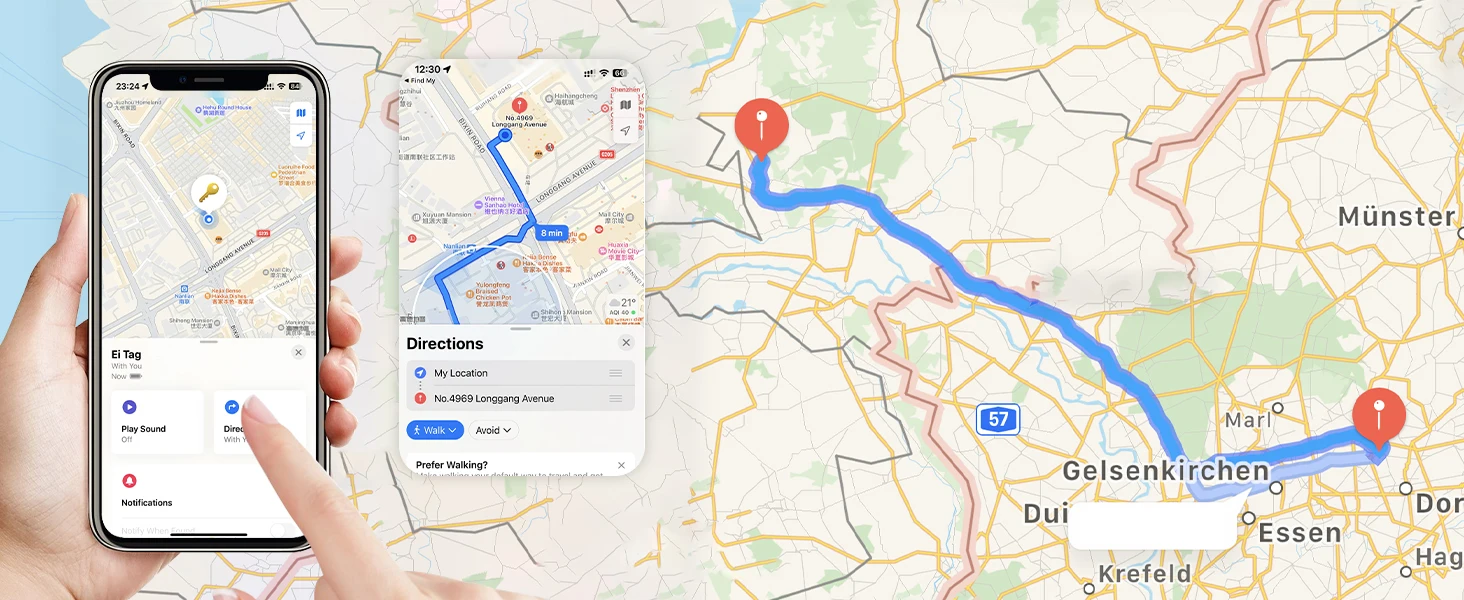
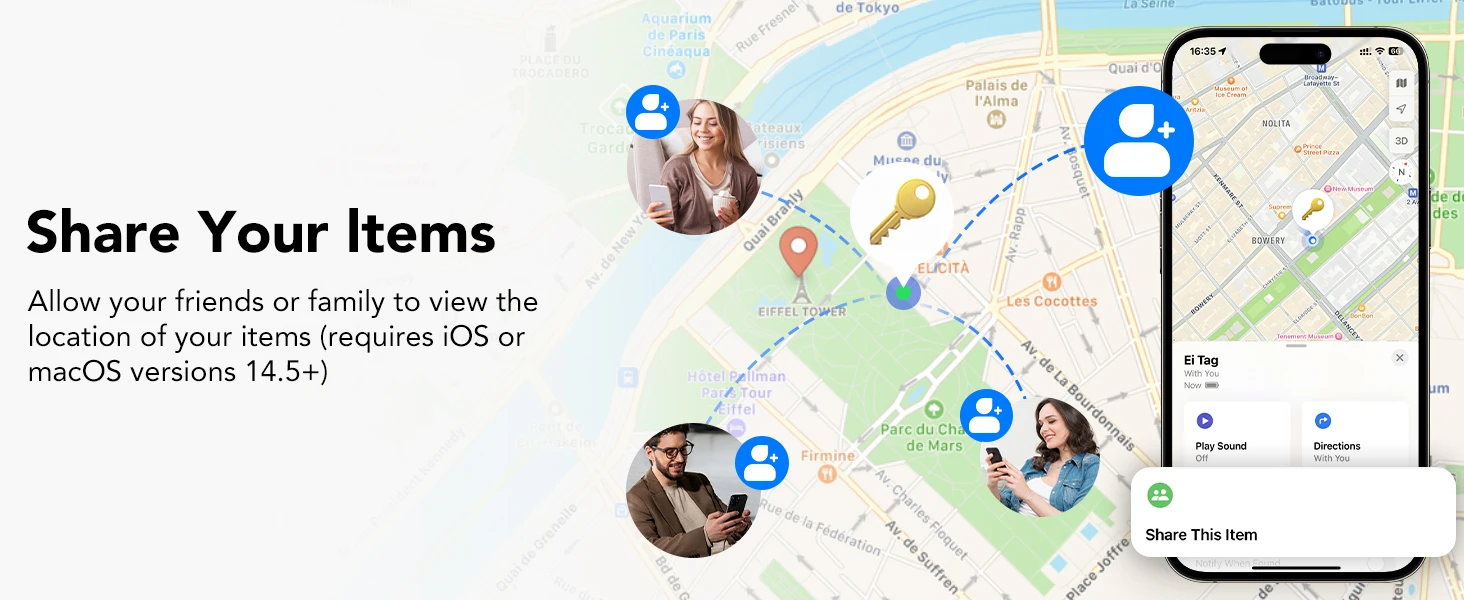
🍎ForApple Find My Integration —— Seamlessly connects to Apple's global network using millions of iOS devices to locate your items worldwide
📡200ft Bluetooth Range—— Find nearby items within 60m using Find My app or Siri, with loud 90-100dB speaker beeps
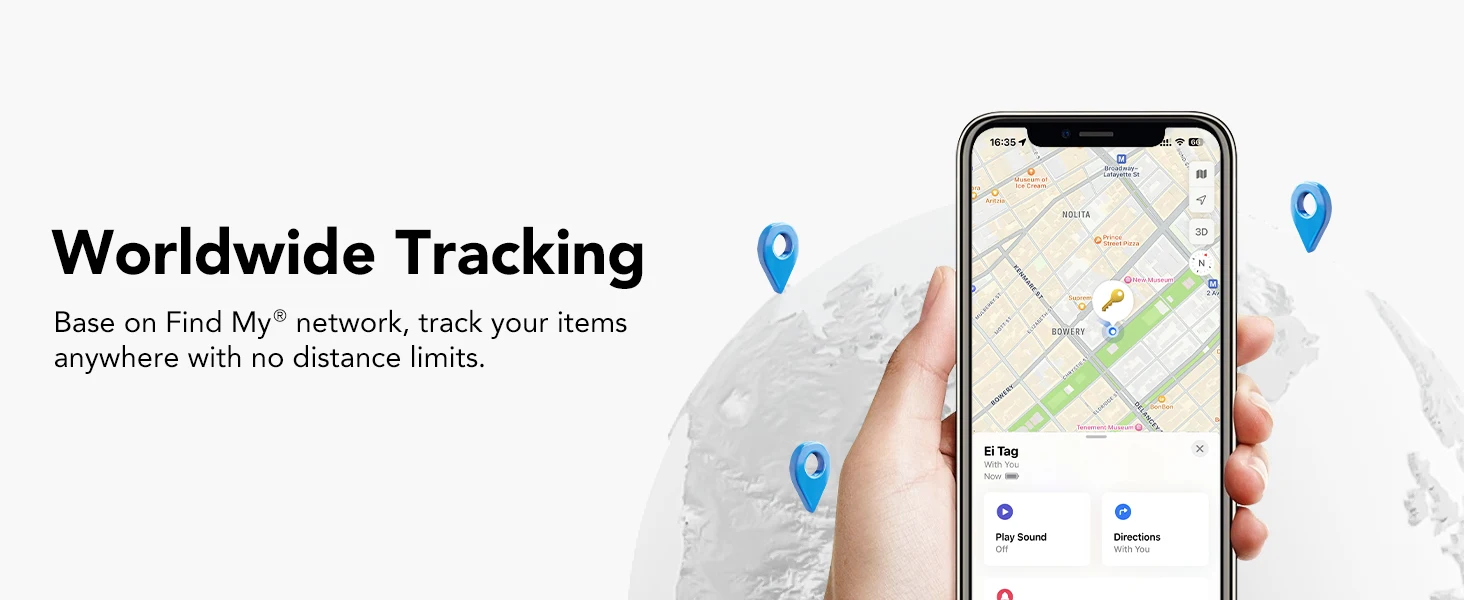
🌎Global Tracking—— Track items anywhere using Apple's Find My network, even when out of Bluetooth range
🔔Left-Behind Alerts—— Instant notifications when you leave tagged items behind (no subscription fees)
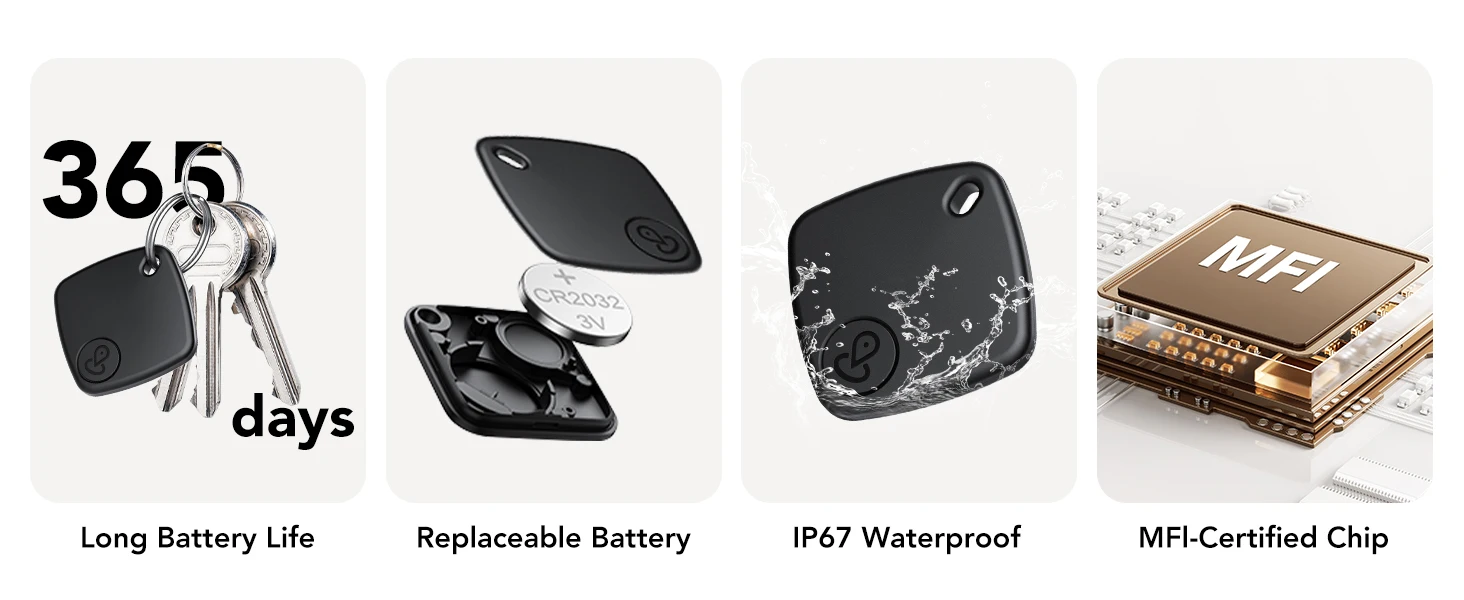
🔋Replaceable Battery & Waterproof—— IP67-rated waterproof design with 1-year CR2032 battery that's easy to replace
🏷️Product Name:For Apple Find My Bluetooth Tracker
📏Product Dimension(mm):38.2mm × 32.8 mm × 6.8 mm
📏Product Dimension(in):1.5 in × 0.27 in × 0.27 in
🎨Colors: White, Black
🧱Material: Premium plastic with IP67 waterproof rating
📱Compatibility:For Apple iOS devices only (iPhone, iPad)
🏷️Applications: Keys, wallets, bags, luggage, pets, kids items
📍 1/2 PCS × For Apple Find My Tracker
🔋 1/2 PCS × CR2032 Battery (pre-installed)
📖 1/2 PCS × Quick Start Guide
🏷️1/2 PCS × Lanyard
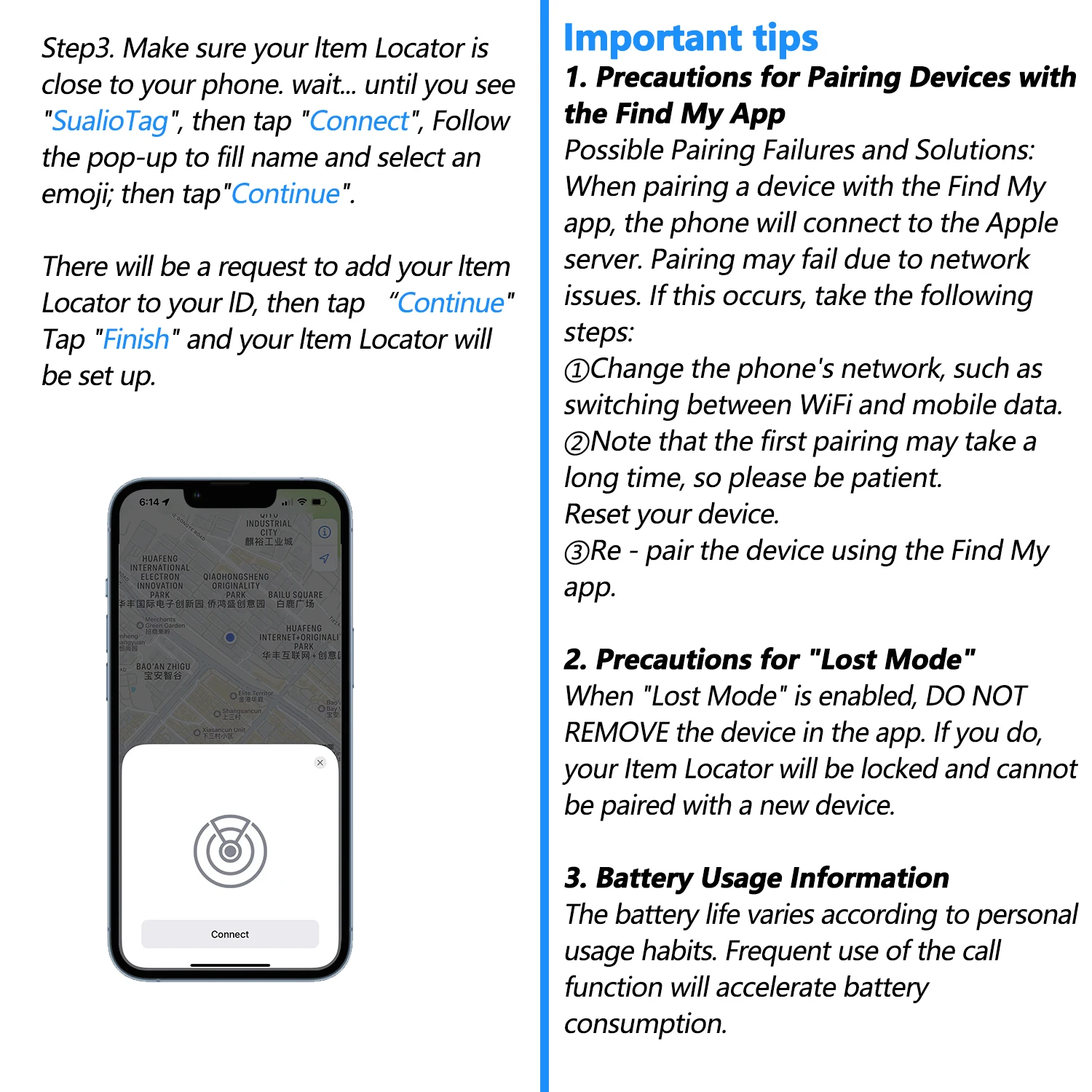
Possible Pairing Failures and Solutions: When pairing a device with the Find My app, the phone will connect to the Apple server. Pairing may fail due to network issues. If this occurs, take the following steps:
①Change the phone's network, such as switching between WiFi and mobile data. Note that the first pairing may take a long time, so please be patient.
②Reset your device.
③Re - pair the device using the Find My app.
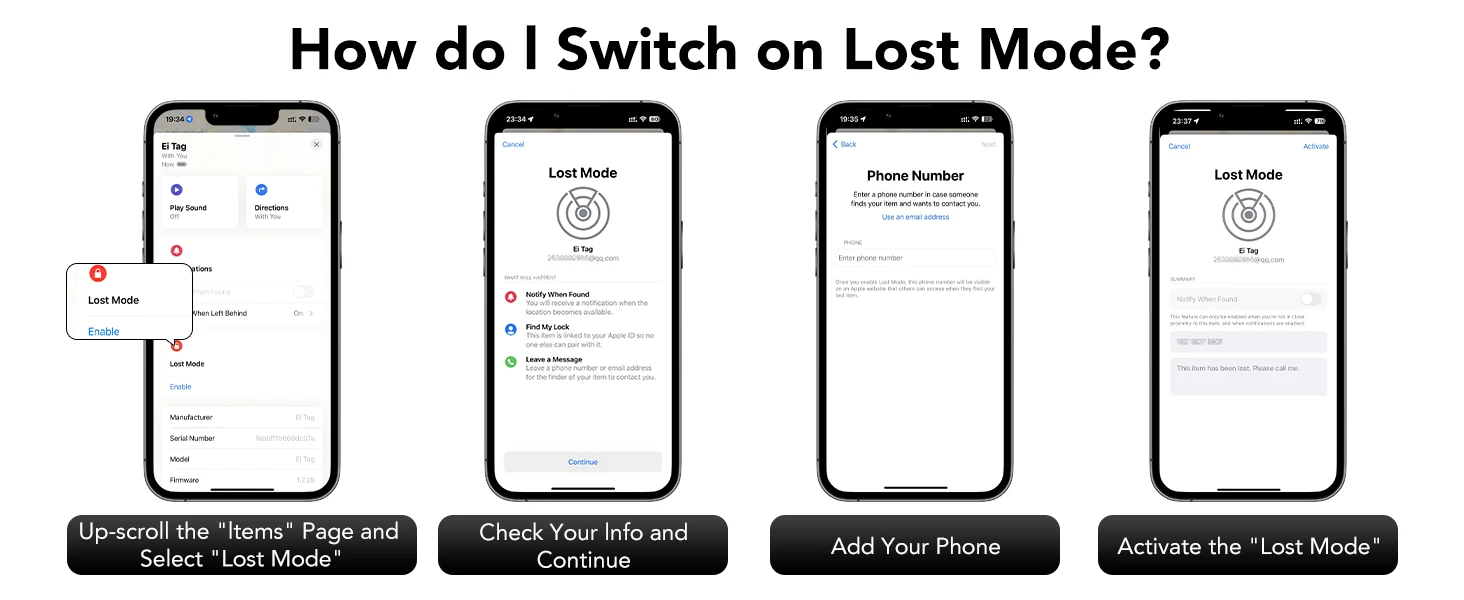
2. Precautions for "Lost Mode"
When "Lost Mode" is enabled, DO NOT REMOVE the device in the app. If you do, your Item Locator will be locked and cannot be paired with a new device.
3. Battery Usage Information
The battery life varies according to personal usage habits. Frequent use of the call function will accelerate battery consumption.
- 📌 USAGE GUIDE
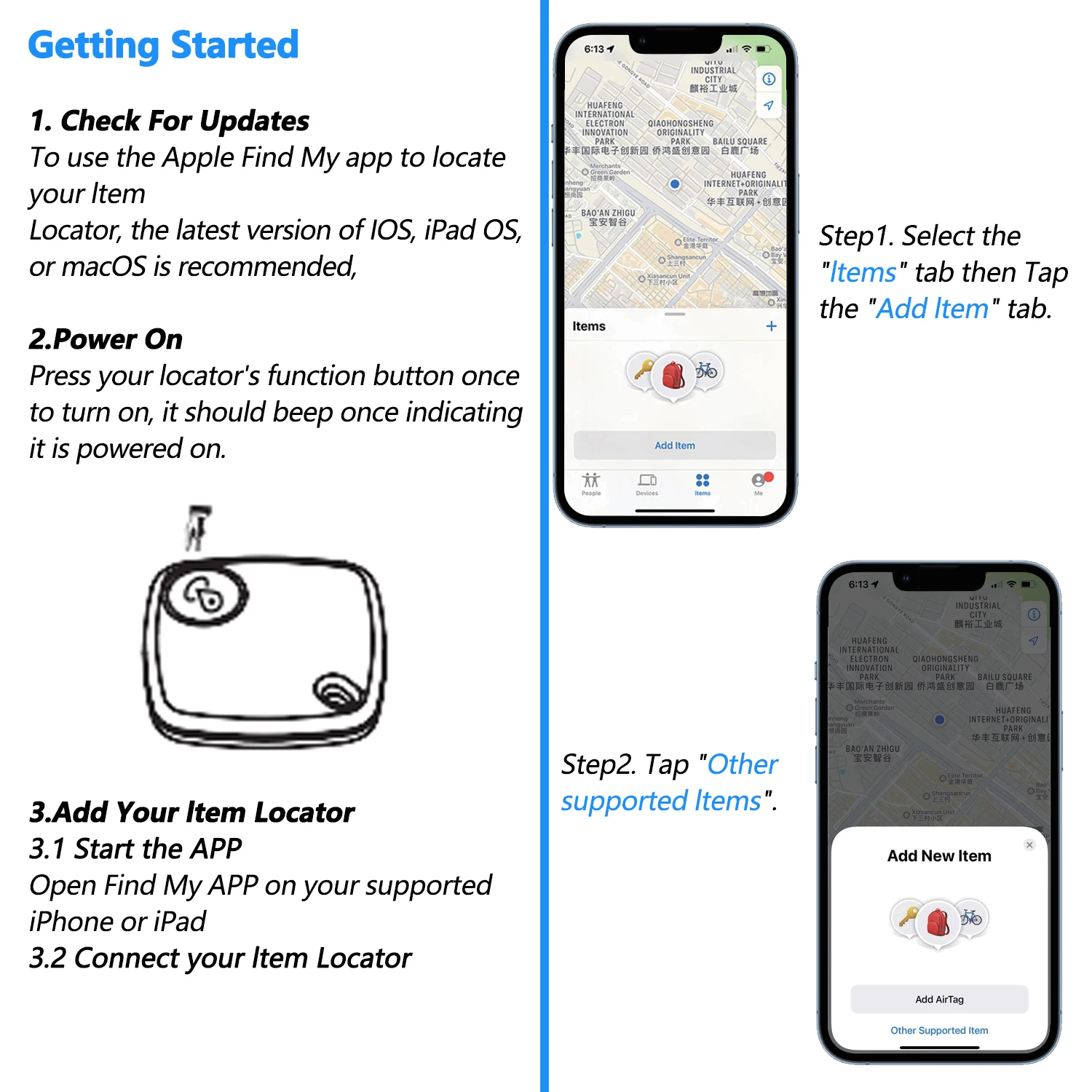
Use "Find My" to Pair, No APP Download Required

How to Check Contact Info?
How do l Switch on Lost Mode?
Possible Pairing Failures and Solutions: When pairing a device with the Find My app, the phone will connect to the Apple server. Pairing may fail due to network issues. If this occurs, take the following steps:
①Change the phone's network, such as switching between WiFi and mobile data. Note that the first pairing may take a long time, so please be patient.
②Reset your device.
③Re - pair the device using the Find My app.
🌐Global Find My Network - Leverage Apple's worldwide device network for item tracking
🔒Privacy First Design - End-to-end encrypted location data with anonymous reporting
💧Durable & Maintainable - Waterproof construction with user-replaceable battery